Creating an Event Broker Service
An organization's users create event broker services in the Cloud Console. Each event broker service runs in a datacenter: the Quick Start's home-dc, or one you have onboarded.
Before You Begin
- You have a user in an organization; see Create Organizations and Users.
- The datacenter is onboarded and listed under the organization's Private Regions; see Onboarding a Datacenter.
- The image for the event broker version you choose is available to the datacenter. In an air-gapped installation, mirror it into your registry first; see Broker Versions and Images.
Create the Event Broker Service
-
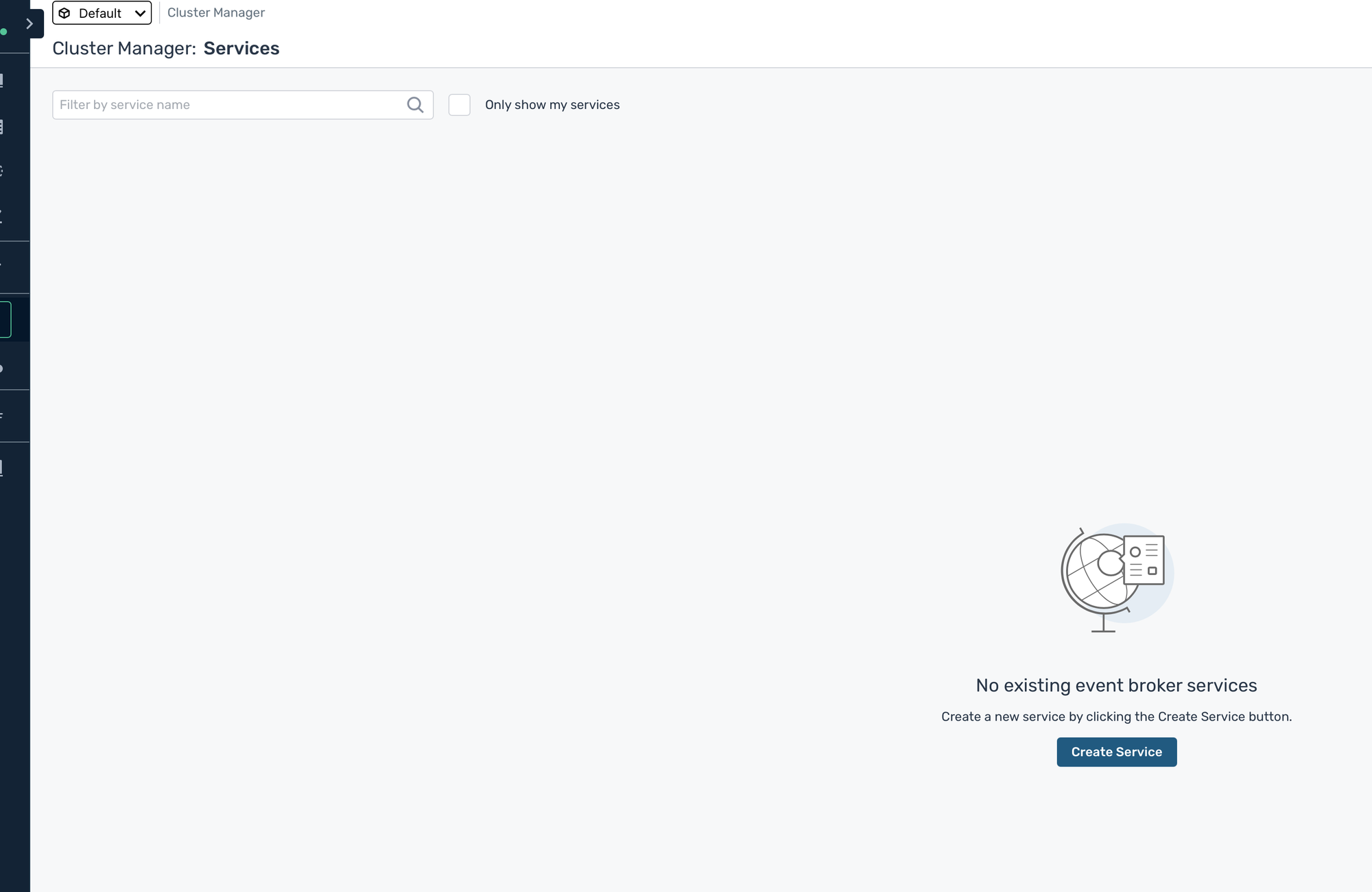
Sign in to the Cloud Console on your console hostname, open Cluster Manager, and click Create Service.
-
Fill in the form:
Field Value Service Name The name users see for the event broker service Cloud Private CloudRegion Your datacenter, for example the Quick Start's home-dc. Only datacenters in the selected environment are listed.Broker Release The event broker release to run. Select Specify Version to choose an exact version within it. Service Type Developerfor a small event broker service for development, orEnterprisefor production. ForEnterprise, choose the number of Connections, and under High Availability chooseHigh Availability (HA) Group, three event brokers (active, standby and monitoring), orStandalone, one event broker.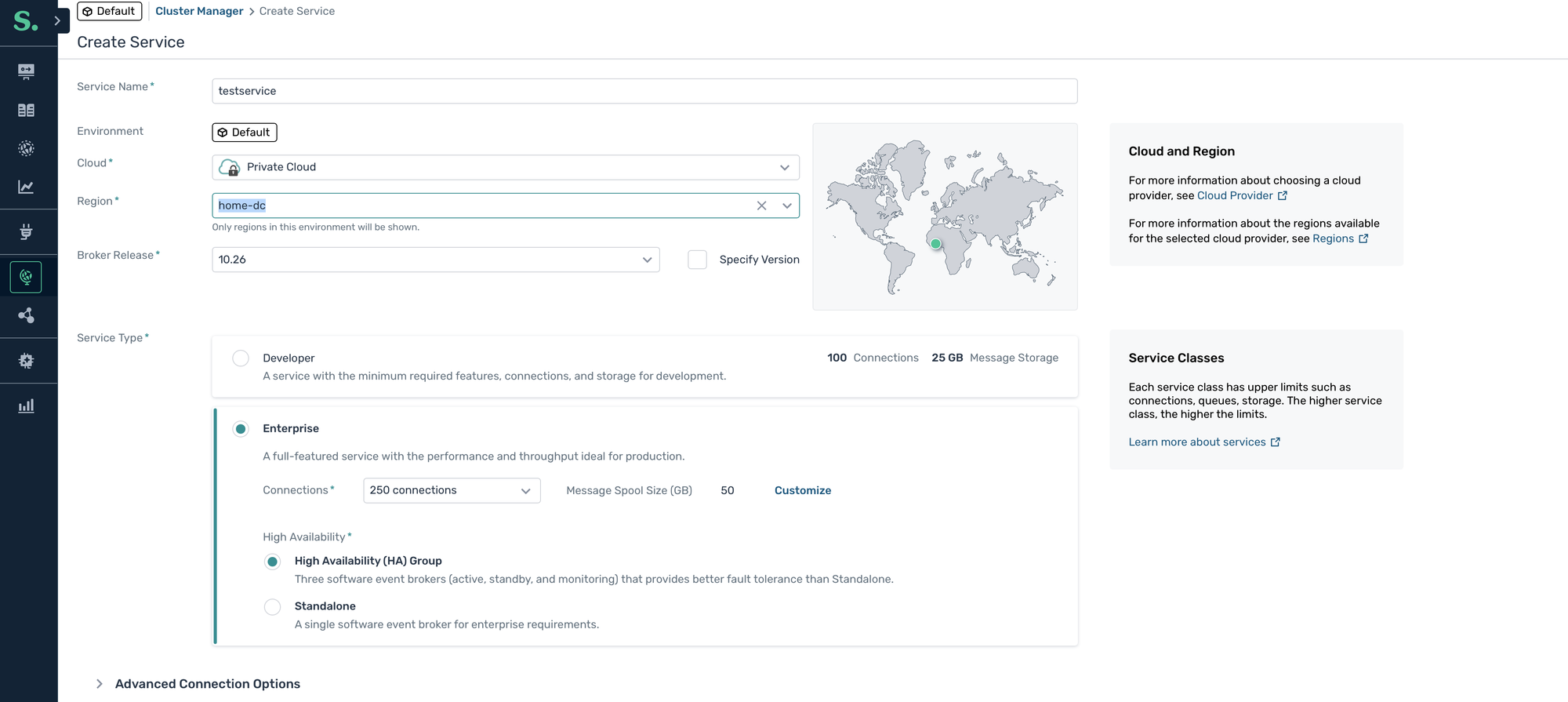
For the other options, such as Advanced Connection Options, see Creating Event Broker Services in the Solace documentation.
-
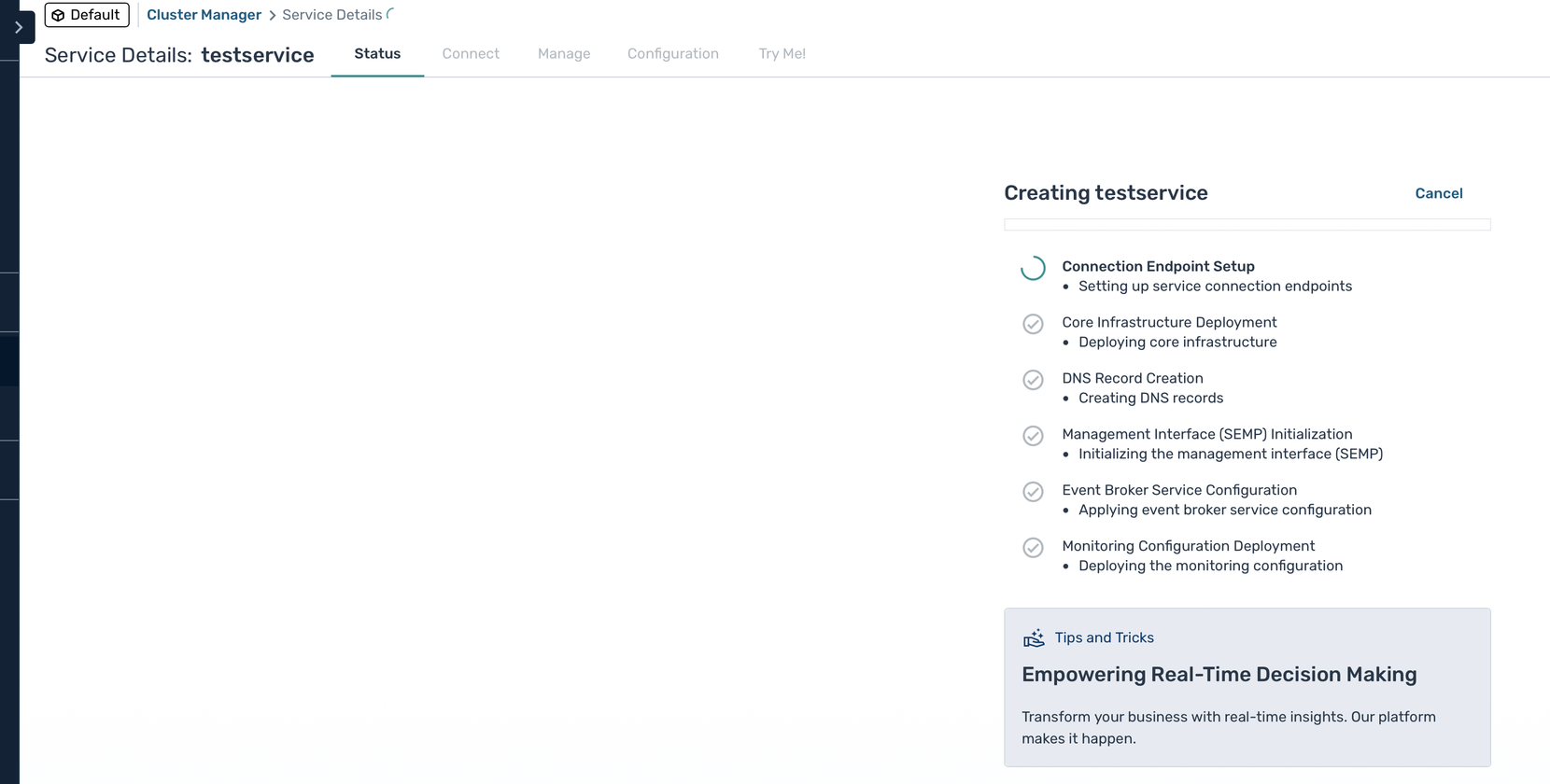
Click Create Service. The event broker service's Status tab shows each step of the creation.
-
Wait until every step is done and the event broker service is running. Its pods appear in the datacenter's namespace:
kubectl get pods -n <datacenter namespace>An HA group runs three event broker pods, so make sure the datacenter's cluster has room for them; see Compute Resources.
Connect to the Event Broker Service
Open the event broker service's Try Me tab to publish and subscribe from the browser, or its Connect tab for client connection details.
Clients reach the event broker service at the address the datacenter agent advertises, which depends on how the datacenter exposes event broker services. See Event Broker Service Exposure, Broker DNS and Hostnames and Broker Certificates.
If Creation Fails
The datacenter agent's log records each step of the creation:
kubectl logs -n <datacenter namespace> deploy/<datacenter id> -c solace-cloud-ca
For common causes, see Event Broker Service Creation or Upgrade Fails.
Next Steps
- Using Event Portal
- Upgrading, for new event broker versions